Product-level video for catalog ads
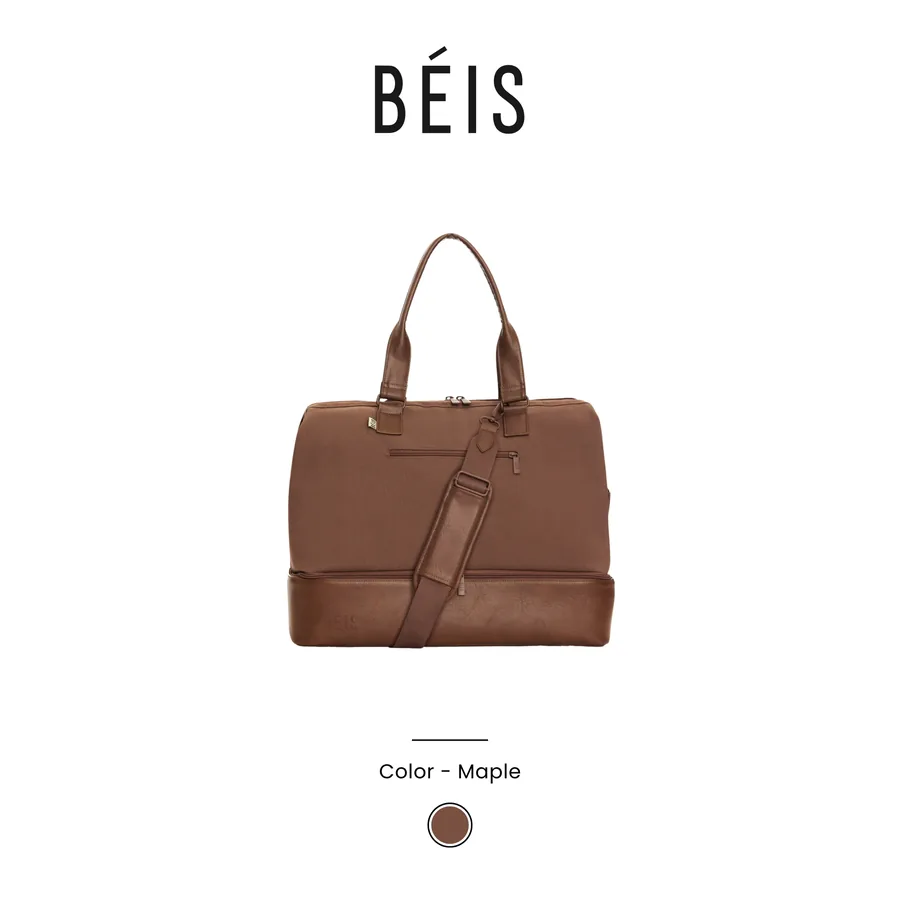
Video is the format everyone knows works and almost no one runs across their catalog, for one obvious reason: you cannot film a video for every SKU. So brands shoot a few hero videos, run them as static-style campaigns, and leave their catalog ads as still images. Product-level video closes that gap by generating motion per product without a camera, and in the scroll-stopping placements it is a real edge.
This explains what product-level video is, why it works, and how it gets produced at catalog scale.
What product-level video is
Product-level video, often shortened to PLV, is short motion creative generated for each product in your catalog, rather than one video made for a whole campaign. Each SKU gets its own animated ad: the product moving, transitions, and brand and price elements in motion, built from the product image and feed data.
The key word is per-product. A hero brand video is one asset for one message. Product-level video is thousands of assets, one per product, each personalized like any catalog ad. It is catalog advertising's answer to "why is all my video generic," which is the same question what are catalog ads raises about still images.
Why motion wins in the feed
The case for video is simple and well established: motion stops the scroll. In a feed of static images, movement catches the eye in the first fraction of a second, and in full-screen placements like Stories and Reels, a still image competes against video content and loses attention.
Catalog ads live in exactly those placements. A still product on a plain background sitting between full-screen videos is easy to scroll past. The same product with subtle motion, a reveal, a zoom, an animated price, earns a beat of attention, and a beat is often all a catalog ad needs to land. This is closely tied to designing for the placement, covered in designing catalog ads for every placement.
The scale problem, and how it is solved
The reason product-level video is rare is production. Filming is impossible per SKU, and animating each one by hand in a video editor does not scale past a handful of products.
The solution is generation, not filming. Product-level video is assembled from assets you already have: the product image, the feed fields, your brand system. Motion, transitions, price treatment and brand framing are applied programmatically per product, turning a still catalog into a catalog of short videos without a shoot or an editor per SKU.
- Source: the existing product image, no filming required.
- Data: price, title and offer pulled from the feed, like any catalog ad.
- Motion and brand: applied automatically per product from your rules.
Keep the architecture clean
Product-level video follows the same rule as every other catalog creative: the feed image stays a clean still, which Google requires and which serves as the source. The video is assembled at the ad creative level, on top of that clean image, not baked into the feed. And as with static overlays, motion treatments on Meta should account for placement differences, since some creative features render on some placements and not others.
Video across the whole catalog
Product-level video is one of those things that sounds premium and expensive and is really a production problem in disguise. Solve the production, and every product in your catalog can have motion creative in the placements where motion matters most.
That is what FeedForce enables for Meta catalog ads: product-level video generated per SKU from your existing images and feed data, on-brand and offer-aware, without filming or hand-editing anything. Your still catalog becomes a moving one, automatically.
Frequently asked questions
What is product-level video in catalog ads?
Product-level video, or PLV, is short motion creative generated per product for catalog ads, rather than one video for a campaign. Each product gets its own animated ad, with movement, price and brand elements, produced from the product image and feed data instead of a filmed shoot.
Why use video in catalog ads?
Motion stops the scroll better than a static image, especially in full-screen placements like Stories and Reels. Video captures attention in the first moment, which is where most catalog ads win or lose the impression.
How do you make video for thousands of products?
Not by filming each one. Product-level video is generated from the existing product image and feed data, applying motion, transitions, price and brand elements automatically per SKU. That is the only way video scales across a large catalog.
Does product-level video work on all placements?
It is strongest in vertical, full-screen placements like Stories, Reels and TikTok, where motion and screen real estate matter most. It also works in feed. As with any creative, the feed image stays clean and the video is assembled at the ad creative level.
Turn your feed into on-brand catalog ads.
Get Started